Learn maths & physics
by doing
Guided modules with lessons, interactive visualizations and exercises, and flashcard decks that come back right before you'd forget them. Free, open, and made for your phone.
Built for actual studying
No paywalls, no locked levels. Open a module or a deck and start; sign up when you want your progress saved.
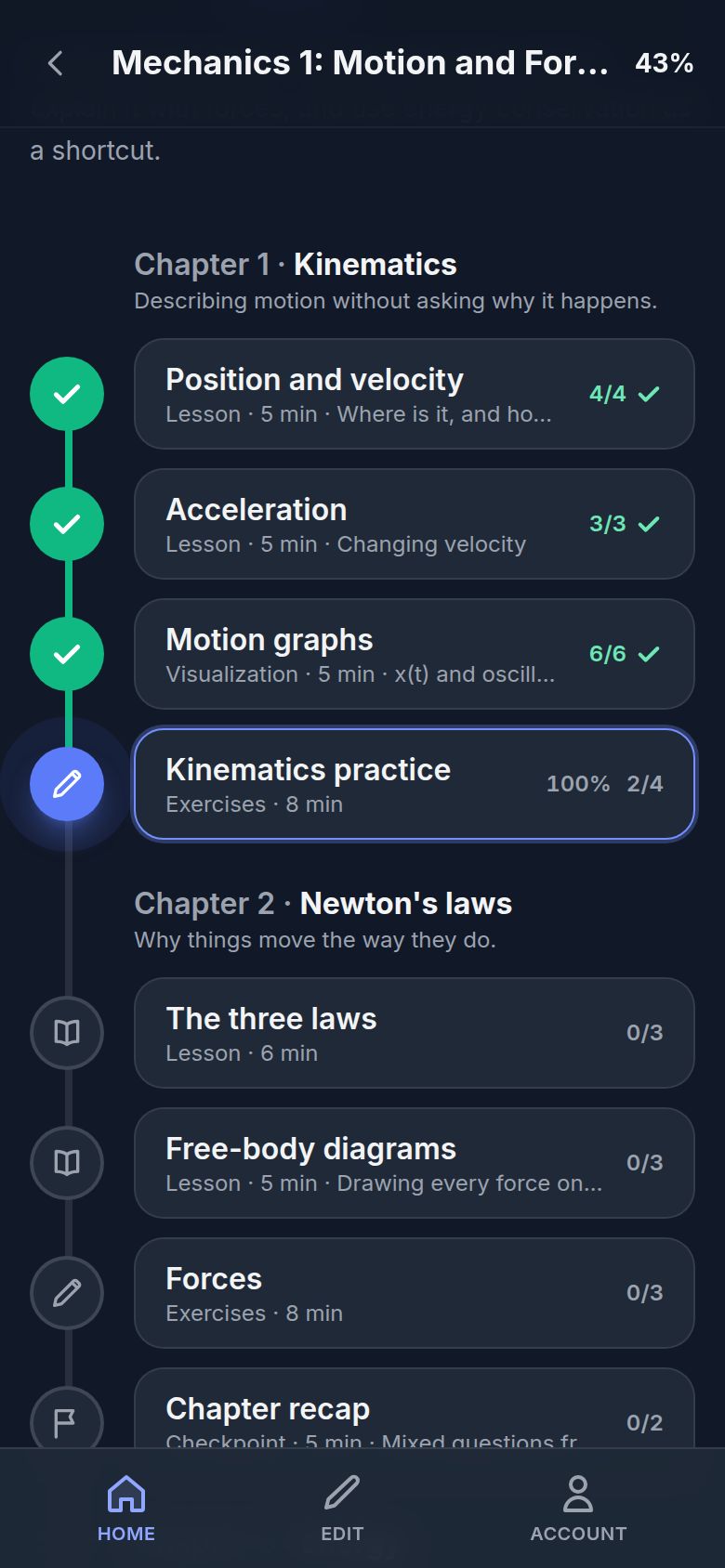
Guided modules
Chapters of short lessons, visualizations and exercises, laid out as a path. You always see what's done and what's next, and you can jump anywhere.
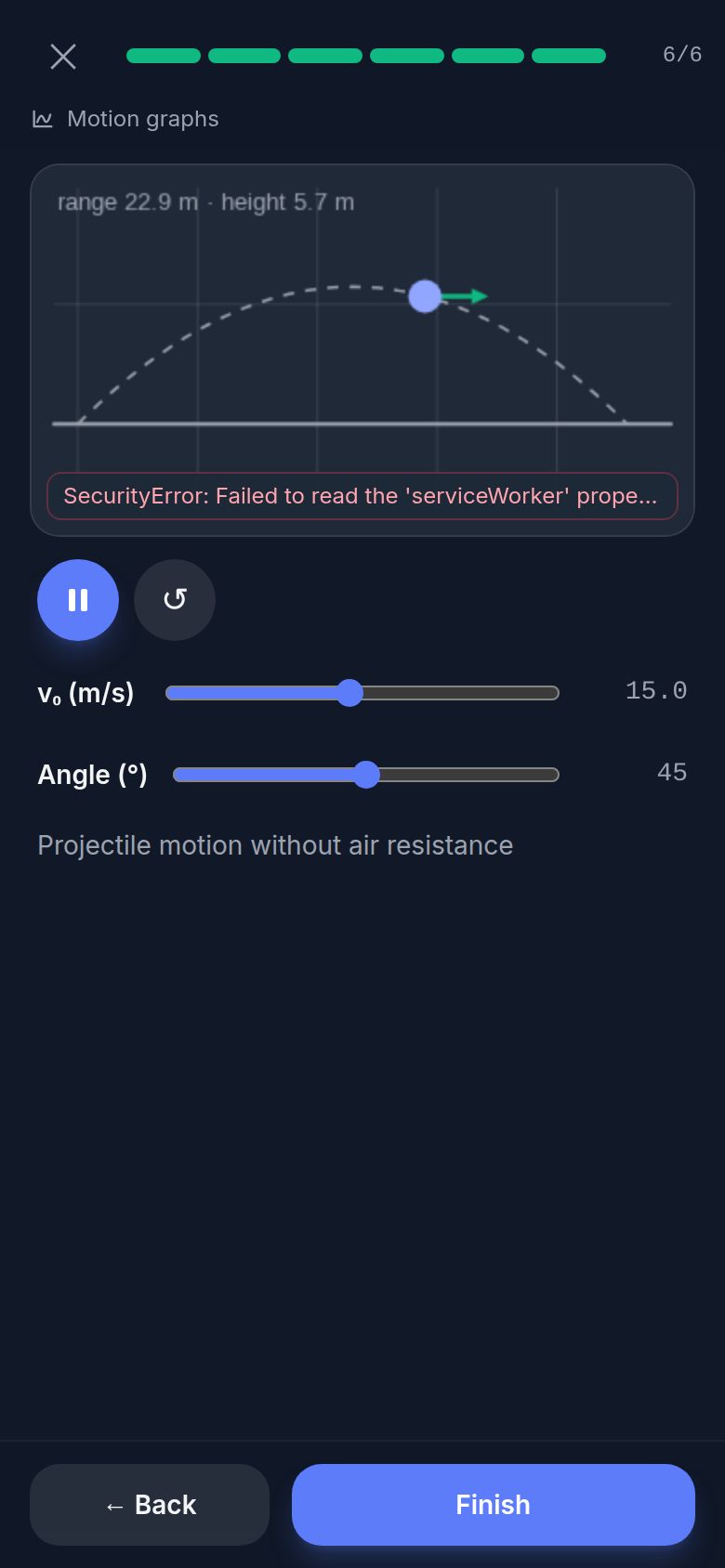
Interactive visualizations
Drag a slider and watch the physics change: plots, fields, pendulums, orbits. From simple function plots to custom simulations.
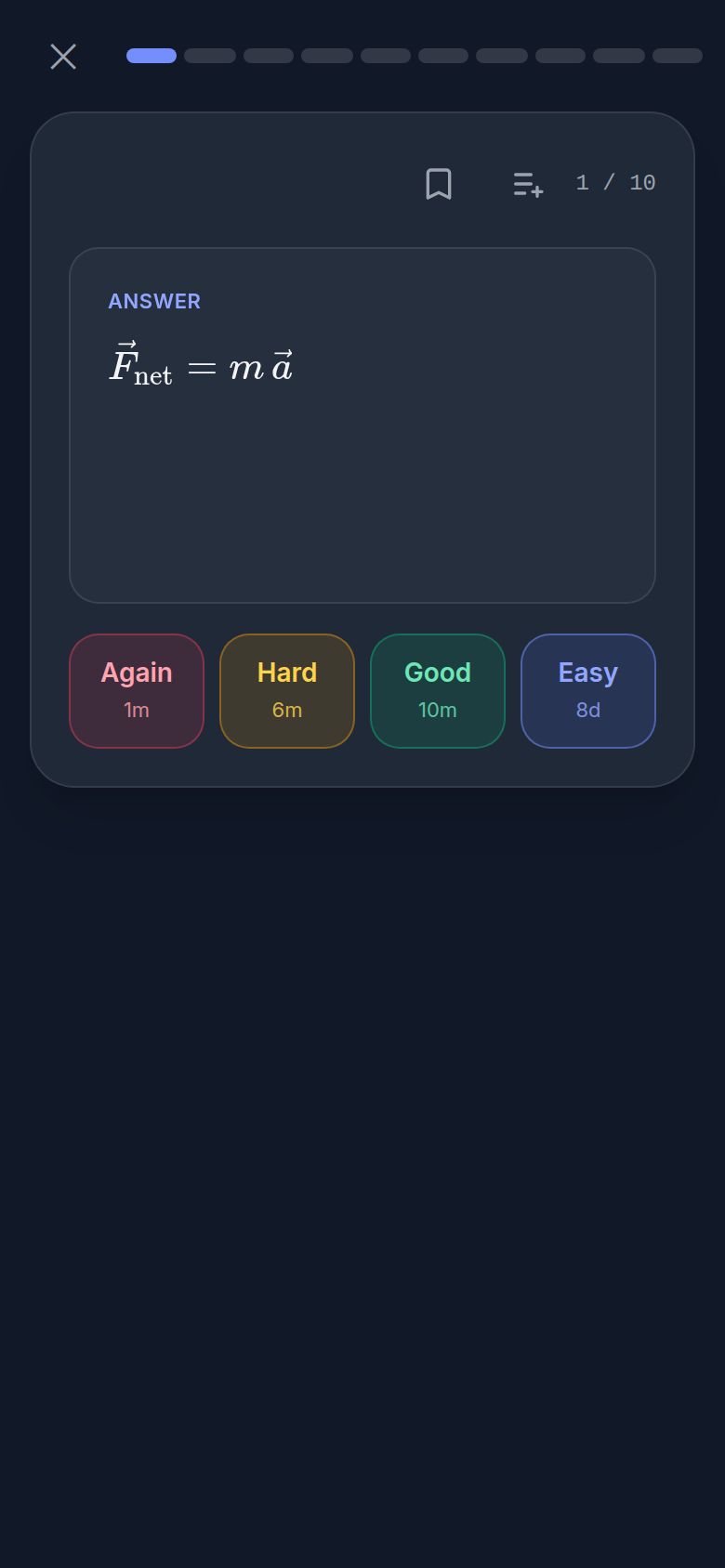
Spaced repetition
Rate each card and a modern scheduler (FSRS) brings it back right before you'd forget it. One tap reviews everything that's due.
Ten card types
Flashcards, multiple choice, numbers with tolerance, LaTeX answers checked for equivalence, equation builder, multi-part exam tasks, and more.
Share and remix
Share a deck with a link, add other people's decks to your home, or copy them and make them yours. Export and import everything as files.
On your phone
Install YAWL on your home screen. It's fast, works in light and dark mode, and keeps what you've opened available offline.
From the first lesson to the exam
Everything you see here is the real app.
See where you are
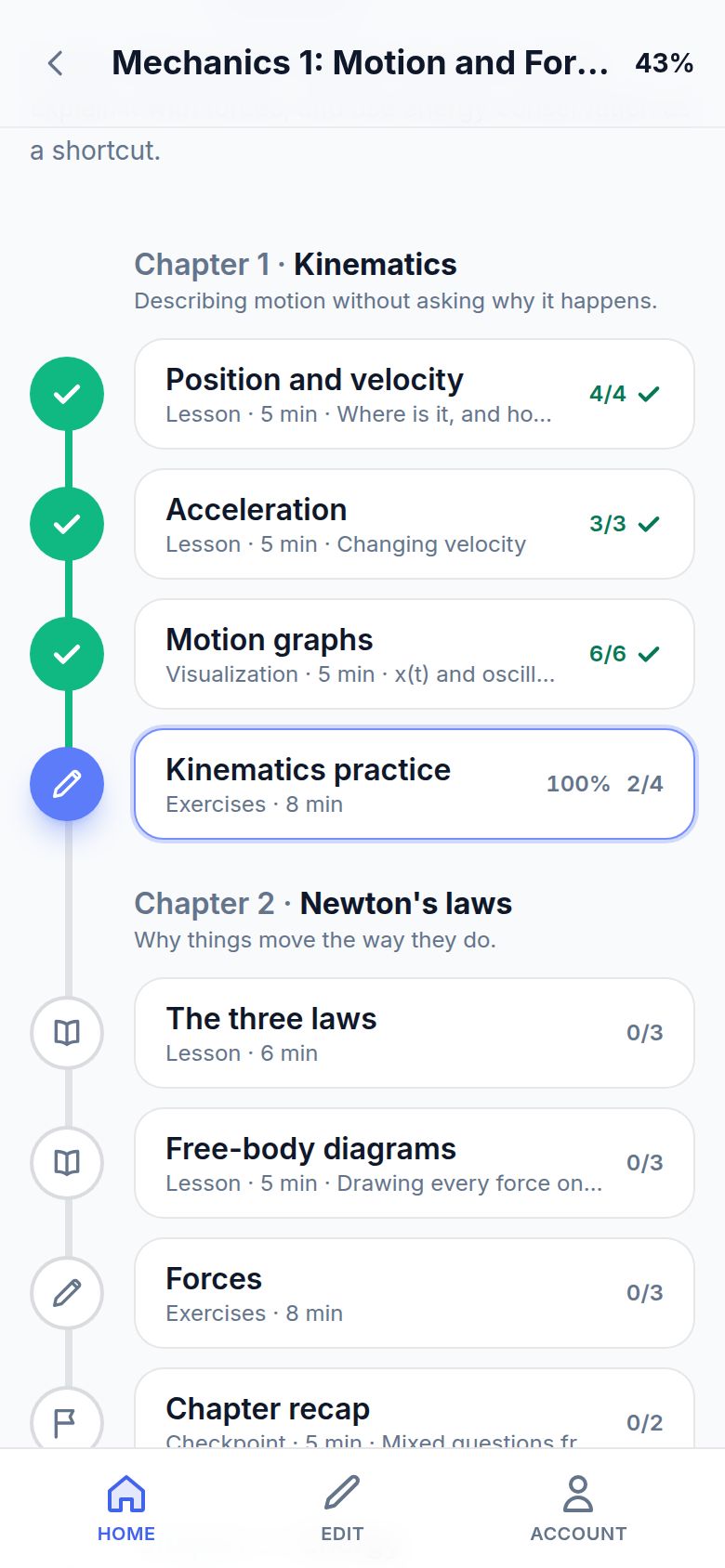
A module is a path through its chapters. Lessons count once you've read them, exercises once you've answered them, and the path opens right where you stopped.
- Lessons in Markdown with proper LaTeX formulas
- Exercises with a score, checkpoints that mix in earlier questions
- Progress saved on every page
Play with the physics
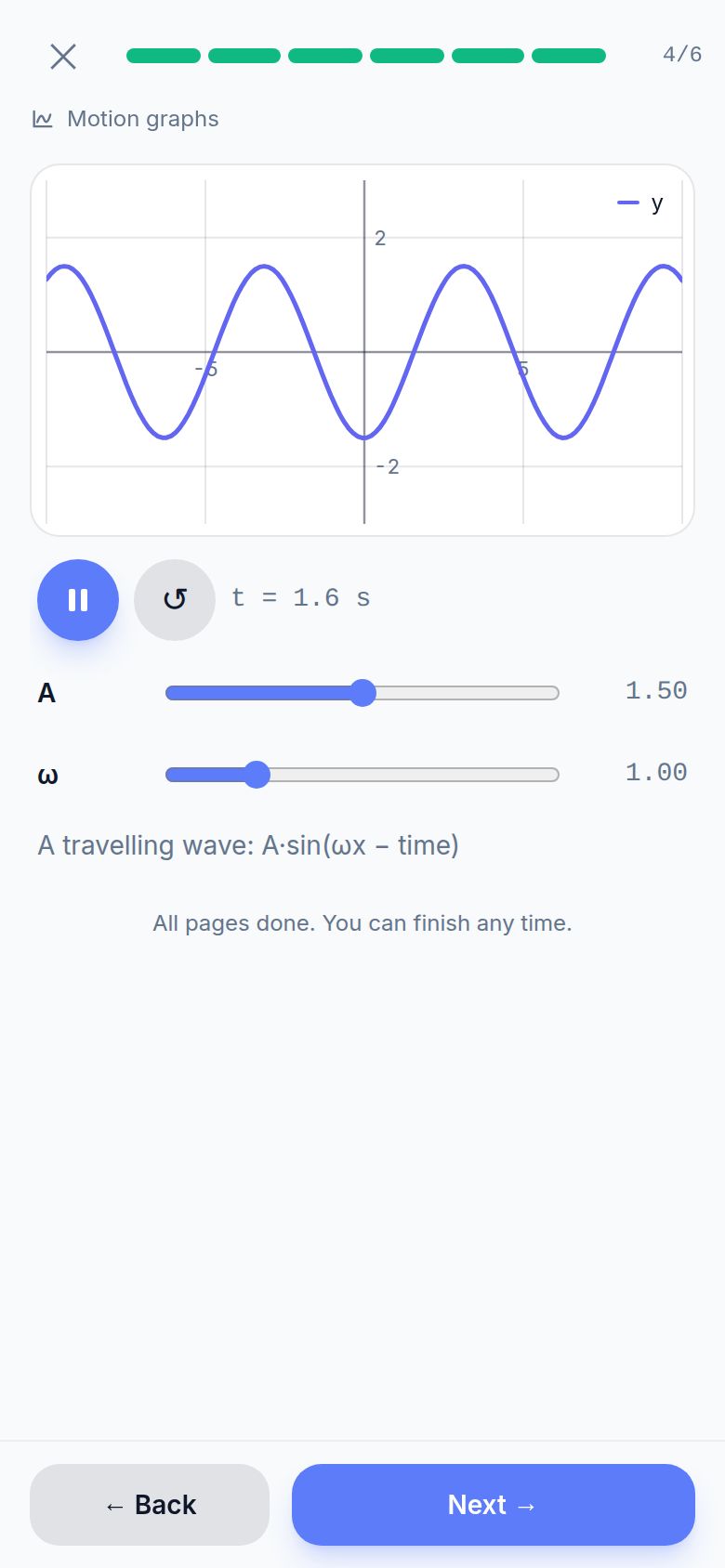
Visualizations react instantly: change the amplitude, the frequency or the launch angle and see what happens. Press play to let time run.
- Function plots, parametric curves, vector fields, images and videos
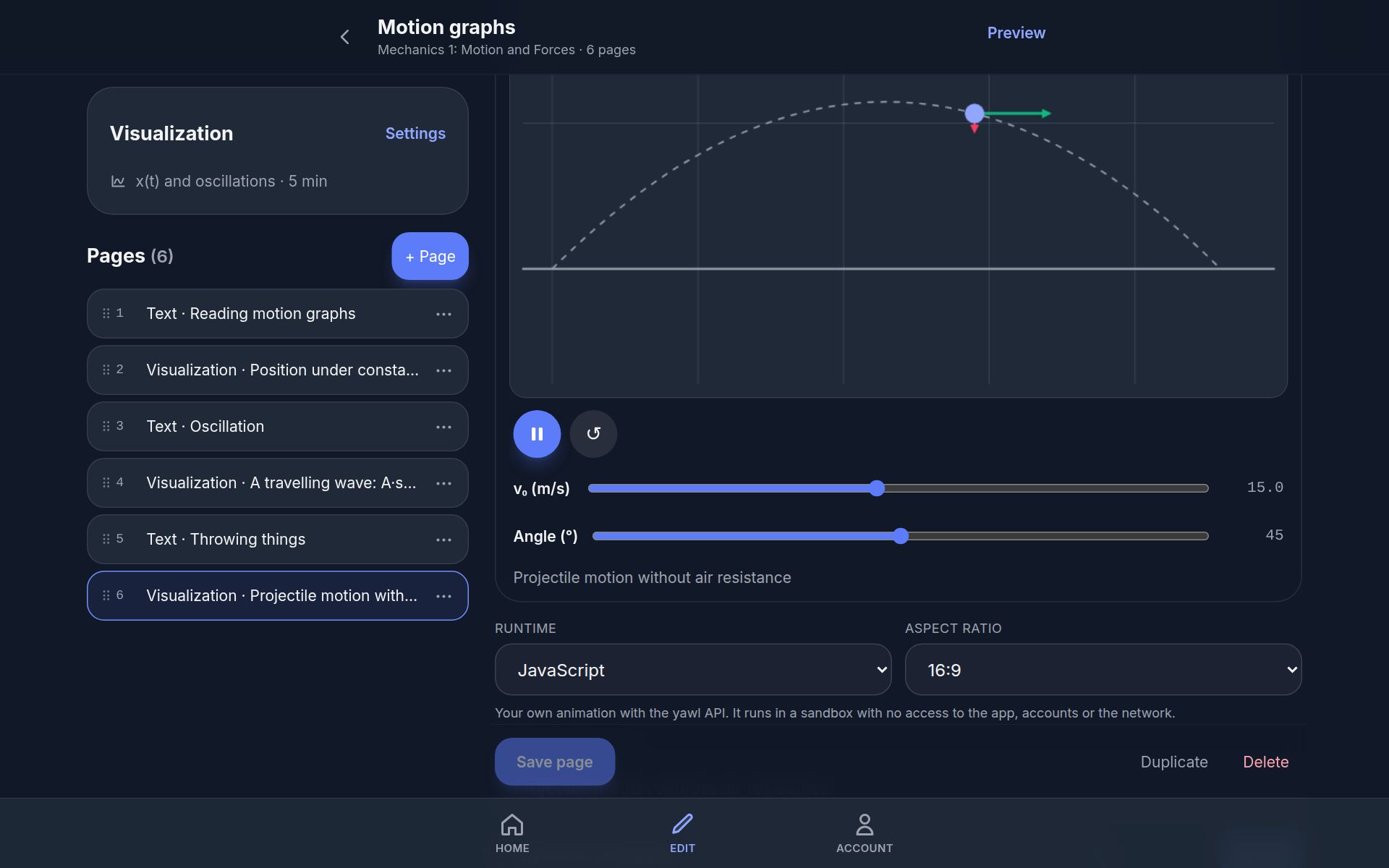
- Custom animations and simulations, running safely in a sandbox
- Smooth on phones, in light and dark mode
Remember it for good
Decks work like Anki: learn new cards, then review them when they're due. The intervals adapt to how well you know each card, and module exercises can join the same review queue.
- Learn, review and practice modes
- Your target recall and new cards per day are adjustable
- Save any card to your own libraries
Your home screen
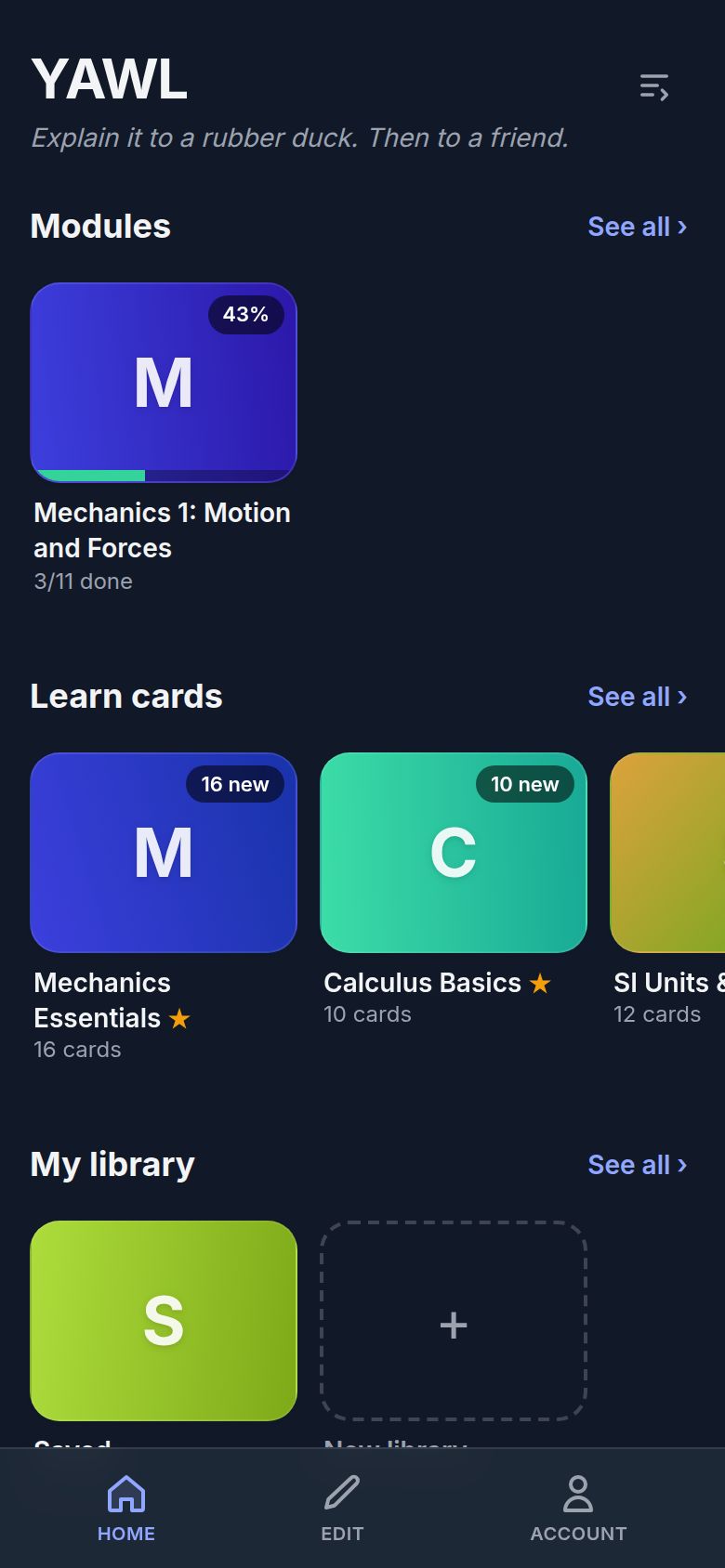
Modules, decks and libraries you care about, with what's new and what's due at a glance. Reorder or hide sections the way you like.
Build your own decks and modules
Write cards with a live preview, paste a list of flashcards, import CSV, or build a whole module with lessons, exercises and visualizations. Invite co-authors to work together.
From zero to learning in seconds
Browse without an account, sign up when you're ready.
Pick something
Open a module or a deck from the catalog. No account needed to look around.
Learn along the path
Read, play with the visualizations, answer the exercises, one short item at a time.
Review what's due
A few minutes a day keeps it all fresh. YAWL tells you when.
Create and share
Make your own decks, share them with a link, or export them as files.
Start learning, or start creating
Everything public is open right now, without an account.
Sign up free to save your progress, review what's due, and build your own decks.